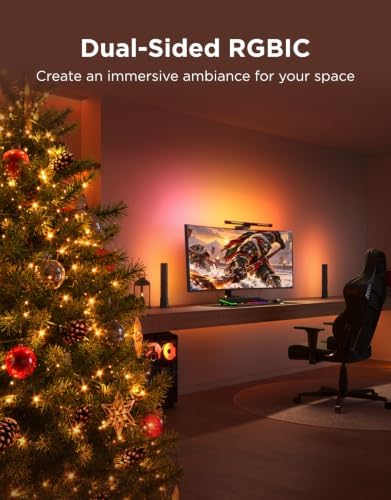
Description
Product description


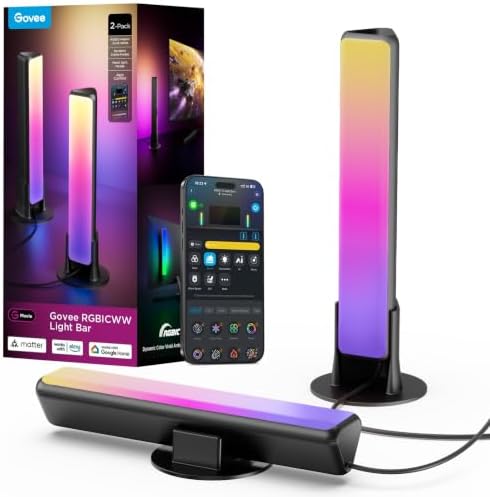
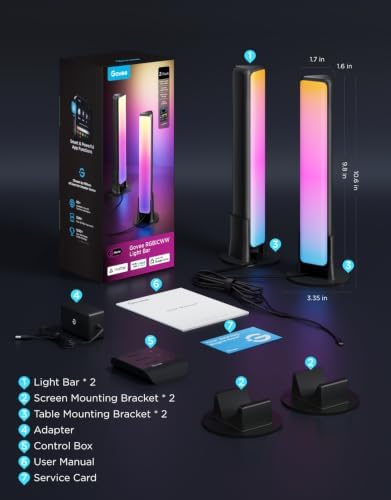
Govee Smart Light Bars

Govee Light Bars Black
|

Govee Light Bars Silver
|

Govee Light Bars H6046
|

Govee Light Bars H605A
|

Govee Light Bars H6047
|
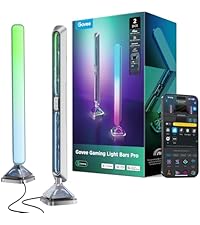
Govee LightBars Pro H6048
|
|
|---|---|---|---|---|---|---|
|
Customer Reviews
|
7,436
|
7,436
|
4,391
|
797
|
1,863
|
293
|
|
Connection
|
2.4GhzWi-Fi+BLE |
2.4GhzWi-Fi+BLE |
2.4GhzWi-Fi+BLE |
2.4GhzWi-Fi+BLE |
2.4GhzWi-Fi+BLE |
2.4GhzWi-Fi+BLE |
|
Work with Matter
|
✔ |
✔ |
✔ |
✘ |
✘ |
✔ |
|
Color
|
RGBICWW |
RGBICWW |
RGBICW |
RGBICWW |
RGBIC |
RGBIC |
|
Dimmable
|
✔ |
✔ |
✔ |
✔ |
✔ |
✔ |
|
Color-match Function
|
✘ |
✘ |
✘ |
✔ |
✘ |
✔ |
|
Music mode
|
8 |
8 |
8 |
8 |
8 |
8 |
|
Scene mode
|
60+ |
60+ |
60+ |
31 |
62 |
60+ |
|
Number of Light Beads
|
18 x 2 |
18 x 2 |
57 x 2 |
30 x 2 |
31 x 2 |
63 x 2 |
|
Number of Light Bar
|
2 |
2 |
2 |
2 |
2 |
2 |
|
Light Type
|
Light Bars |
Light Bars |
Light Bars |
Light Bars+TV LED Backlights |
Light Bars |
Light Bars |
Michael Davis –
These light bars look absolutely amazing and the best I have tried especially for the price
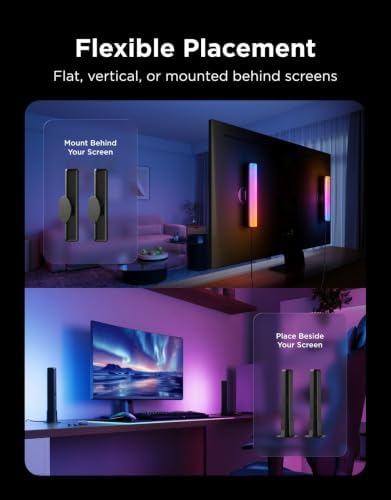
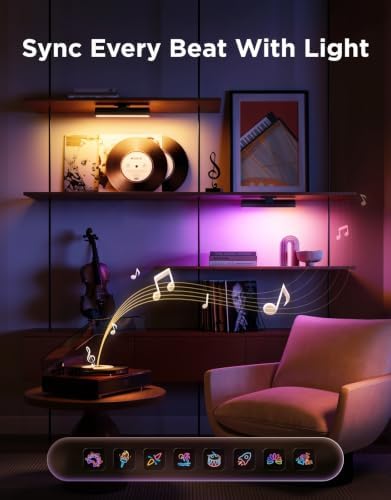
These govie light bars are absolutely amazing. Very color accurate. Can be very bright. The size allows them to be placed and fit into a variety of configurations. Mounting and installation is easy thanks to the versatile mounting options that are provided. Can be integrated into different dreamview scenarios as well as being used as a music center for music dreamview up to five devices. Very fun and adds a lot to the room that it is placed in. I use this for bed lighting and it works very well especially when using movie dreamview and getting the extra lighting. I’ve tried other light bars and these are by far the best and at the price they are very good value for the money.
10 people found this helpful
LunaEMAN –
A Clever Way to Enhance Your Home Entertainment
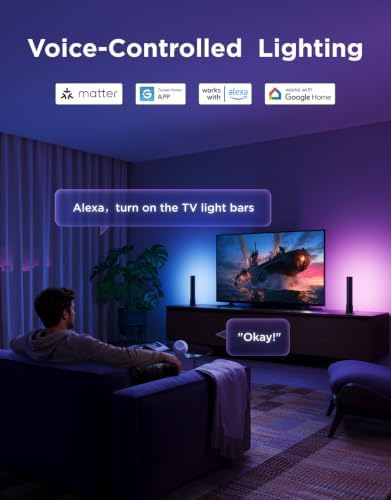
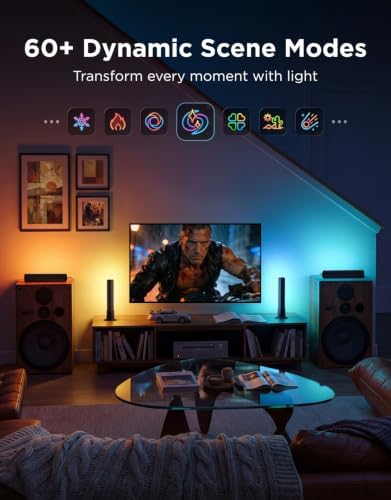
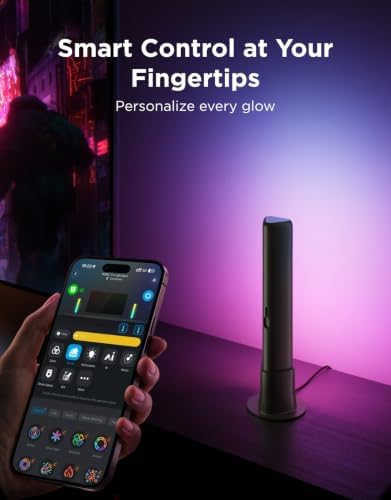
I recently installed the Govee Flow Plus Light Bars behind my TV and have been very impressed with them so far. The LED lights are super bright and provide a nice glow behind the TV, making colors pop off the screen. Setting them up was a breeze thanks to the very strong adhesive on the light bar mounts. I attached them to the back of my TV in just a couple minutes without any issues.Controlling the lights with the Govee app is simple and intuitive. There are tons of great lighting modes to choose from to match whatever I’m watching or playing on the TV. I also like that I can use Alexa voice controls to change the lights or dim them, all hands-free. Syncing the lights to music is a really cool feature that makes listening to songs that much more immersive.For the price, these smart LED light bars can’t be beat. They’ve definitely enhanced my home entertainment experience. The only small downside is that the adhesive is so sticky, moving the mounts later on could be difficult if I ever need to reposition them. But for now, they work flawlessly mounted right behind my TV. I’d definitely recommend the Govee Flow Plus Light Bars to anyone looking to add ambient lighting to their setup!
18 people found this helpful
Jousting Gammon –
Magical TV Backlight With Amazingly Accurate and Vivid Colors
I had very high expectations for this Govee 3 Lite backlight and it surpassed all of them by a mile. This Govee 3 Lite with proper set up, calibration and correct settings looks absolutely magnificent with beautiful and accurate colors that it adds so much to my TV viewing experience.Most of the “bad” reviews on here is USER ERROR because the person can’t bother to do even the most basic research therefore he/she doesn’t know how to set it up, calibrate and adjust settings correctly.So here are some tips and settings that may help others:For accurate colors it’s vital to set your white light accurately first since all other colors blend off of white.Also, ALL of your TV SETTINGS like BRIGHTNESS, COLOR TEMPERATURE, PICTURE MODE, COLOR, CONTRAST, etc. has an impact on the LED strip brightness, vividness, accuracy and density as well. So play around and pause a scene on your TV that’s really colorful and then turn your individual TV settings all the way up and all the way down to see how it affects your Govee lights.Now I have an LG OLED and OLED’s have perfect black levels and near perfect colors out of the box, so you may not get the exact results I did. But it doesn’t hurt to give it a try and see if it helps your Govee set up if you are not satisfied with your colors.1. Put the camera dead center of your TV and at 90 degrees (or as close as you can).2. Install the light strip as close as you possibly can to the edge of your TV. I’ve seen youtube videos where people install them 2″ to 3″ inward from the edge (I get it if you have no choice because your back panel has a weird shape or is not completely flat along the edges) and that gives such a tiny light spread on the wall and also leads to dead spots in the corners because the light is set too far away and that causes the TV’s corners to cast a shadow on the wall leaving a dead spot.3. When you calibrate with the orange squares make sure the gray box ends up looking either like a rectangle or a bow tie. I added pictures of my actual calibrations of both shapes to my review to give you an idea of what I’m talking about. If your TV is wall mounted or on a TV stand where there’s nothing underneath the camera that may interfere with it, I’d probably go with a rectangle shape which is the ideal shape according to Govee. But after playing around with the calibration I discovered that for my set up a bow tie shape gives me the most accurate and uniform colors because I have a semi-glossy TV stand and it helps to prevent the camera from seeing past the bottom edge of my TV and catching whatever colors that are reflecting back up off my TV stand so it doesn’t interfere with the actual colors coming from my screen.4. When you adjust the “color calibration, saturation, white balance, etc.” in the app do it in a dark room.4a. “Saturation” setting needs to be dropped way down to give you accurate colors. I keep mine between 1%-5%. If you’re one of many people that’s having problems with your white light looking green, dropping the saturation down a lot should fix that problem and give you a nice white light that will go a long way in giving you accurate colors across the board.5. “White balance” default is 50% but it looks a little too blue on my LG OLED so I keep my white balance a little more on the red side at 70%-75% and I get a nice slightly warmer white that works wonders in getting accurate colors all around. Google “pure white” background and use that to adjust your white balance and saturation.6. “Relative Brightness” default is 50%. I set mine all the way up to 100% on all four sides and then I control the brightness level with the main brightness slider which when it’s a bright room I set it to 100% and when it’s a dark room I set it to 47% because that’s the percentage I found that when the screen or parts of the screen goes dark so do the corresponding lights which only adds to the immersive viewing experience.7. If you want your lights to show all the different colors as you watch TV you need to choose “part” in the app. If you choose “whole” you will get only solid colors on all four sides.8. You can choose either “movie” or “game” but personally I leave mine to “movie” 90% of the time even if I’m gaming. The difference between them is with “game” the colors switch a little faster but that leads to a lot more flickering which can be very distracting. With “movie” it’s a softer and smoother transition.9. I love that I can connect my Govee kit to my Alexa app by adding it in the “skills” section which allows me to control the backlight with voice commands for things like turning the LED strip on and off or the brightness up or down or setting a timer/routine to turn the LED strip on or off at a certain time of day I set.Thankfully I had a few weeks to do a lot of research and also check out youtube videos before Prime Day when I was able to purchase this kit for $46 for the 40″-50″ size.And it was in doing this research that made my set up super easy with no problems at all when my kit arrived. All told it took me about two hours from start to finish to install and set up my backlight settings to get it perfect for my LG OLED TV.It took me longer than most people since I went all OCD when figuring out the exact placement, spacing, height and measurements of the lights to get the best possible light spread on my wall and it was all worth it since my LED’s look fantastic because I have a full and wide light spread and the colors are so evenly dense with no dead spots in the corners like I’ve seen on so many other set ups.I was worried that the whole calibration thing would be a PITA since a lot of reviewers seem to struggle mightily with getting it right. For me, it was super simple because through my research I learned what not to do and avoided all the pitfalls that plague others.The proof is in the pudding. I’ve added screenshots of the settings I use and a sample video with those settings and my lights are mesmerizing and gorgeous. Check it out!
17 people found this helpful
Christopher Clements –
Great for ambient lighting
I’ve had good luck with a number of Govee products and these are no different. They have a nice spectrum of RGB are acceptable bright and have some pretty fun scenes you can play with in their app. I have these mounted behind my monitors and they are fantastic for ambient lighting.